
Their online job application asked for Social Security numbers, on a site running plugins more than a hundred versions out of date.
Sensitive data on unpatched WordPress Inspecnia
External security and web-presence review
Your business, seen from the outside.
Someone could be sending email in your company's name. Your website could be showing customers a “not secure” warning. And nobody tells you. Inspecnia reviews what anyone can see of your business from the outside and tells you, in plain language, what to fix first.
Nothing to install, no access to hand over. We only review domains whose owner asks. A Certus ITM service.
01 · What you receive
A short report, in plain language.
- What is already right, so you know what not to touch.
- Each finding rated high, medium or low, so you know what to fix first.
- Why it matters, in business terms.
- How to fix it, step by step, for whoever handles your IT.
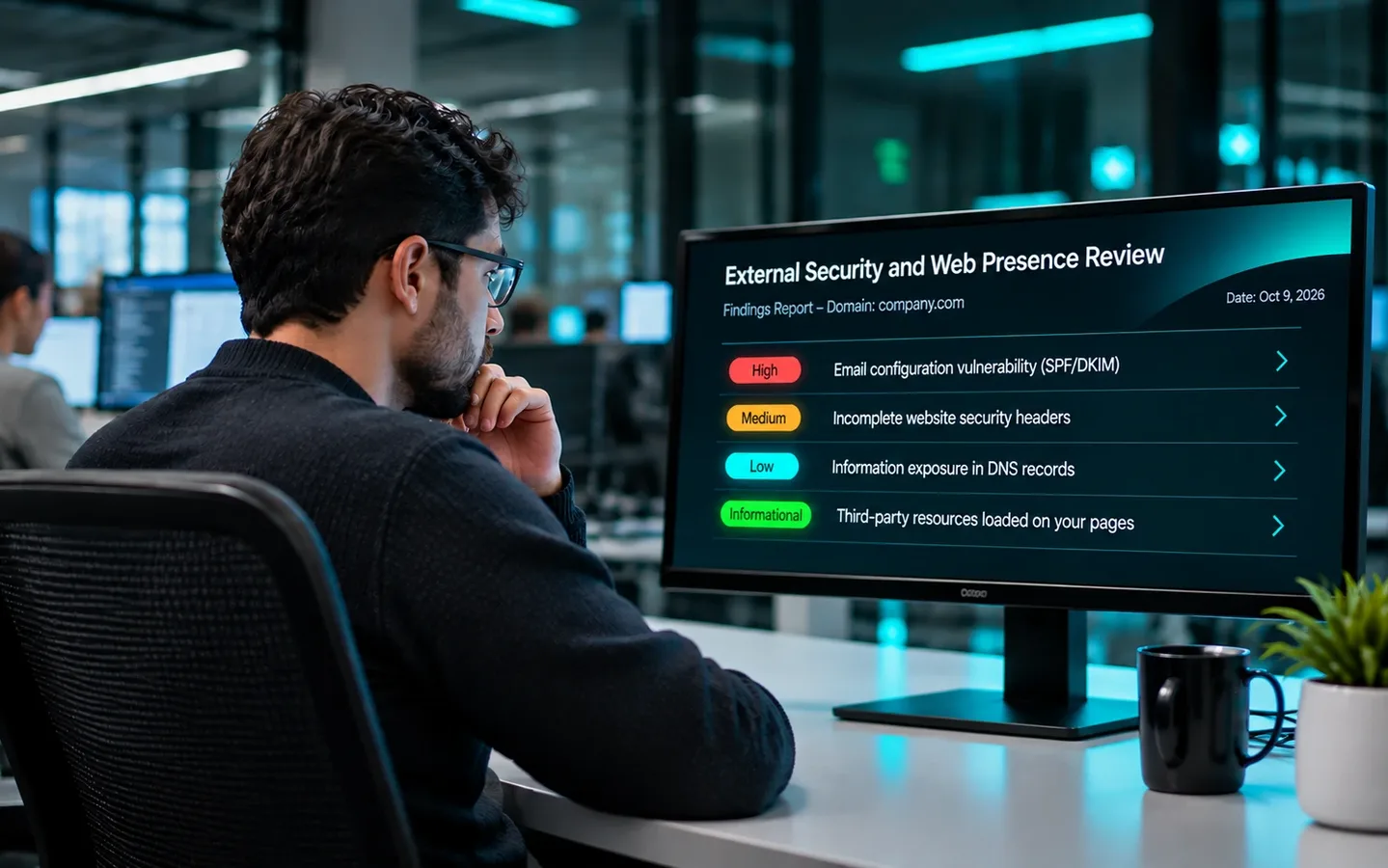
InspecniaSample report · yourcompany.com- HighEmailAnyone can send email in your name
- MediumWebsiteYour site still accepts outdated encryption
- LowDNSAny provider can issue certificates for your domain
- OKCertificateValid, renews automatically
02 · From real reviews
Problems that look fine until someone explains them.
Real things our reviews have found, with company names removed. None of them looked like an error, and in several the owner believed they were protected.
Their "Request a quote" buttons pointed to a domain nobody owned. Whoever registered it would have received their customers' requests.
Links to an unregistered domainIt looked protected, yet nine out of ten forged emails in their name still got through.
DMARC set to reject, applied to 10% of messagesTheir email settings still trusted a server that now belonged to someone else, who could send email in the company's name.
SPF authorizing a reassigned addressThey owned a second domain with no email protection at all. Nobody watched it, and it was the easiest one to impersonate.
Second domain with no SPF, DKIM or DMARCAnyone could look up the names of their test servers and addresses from their internal network.
Subdomains in public certificate logs and DNS03 · What it reviews
Six questions your report answers.
We look at your domain the way a customer, a search engine or an impersonator would. The technical detail goes in the report, for whoever handles your IT.
Can someone send email pretending to be you?
From your main domain, from the other domains you own, and from look-alike domains that can send email.
SPF · DKIM · DMARCDoes your site scare customers with “not secure” warnings?
A certificate that is expired or about to expire, outdated encryption, and pages that mix secure and insecure content.
Certificate · TLS · HTTPS · security headersIs your site running old software with known flaws?
WordPress, plugins and themes that are behind or abandoned, and server software that no longer gets updates.
Versions · publicly known flaws
Are there doors left open where anyone can see them?
Login pages and panels open to anyone, published user lists, folders anyone can browse, and forgotten services someone else could take over.
Exposed access · DNS · subdomains · domain expiryIs your site sharing visitor data without saying so?
Tracking that loads before visitors consent, and forms that send their data to other companies.
Privacy · third partiesDoes your site make a good first impression?
The basics search engines read, outdated or leftover content, page weight and how your site behaves on a phone.
Web presence
En México, además, revisamos si tu aviso de privacidad es anterior a la LFPDPPP 2025 y, si tu sitio anuncia crédito o inversiones, señalamos dónde parecen faltar el CAT o la GAT para que lo revise tu asesor. Lo señalamos; no dictaminamos cumplimiento.
04 · Inspect. Understand. Fix.
From your request to a report you can act on.
You ask
You request a review of your own domain. We only review domains whose owner asks for it.
We confirm it's yours
Before we start, we check that you control the domain.
We review it
We look only at what anyone can see from the outside, without touching your systems. Then an analyst checks every finding before it reaches you.
You get the report
A short PDF, in English or Spanish: what is already right, each finding rated high, medium or low, why it matters and how to fix it. If you want, Certus ITM fixes it with you.
05 · How we review
Without touching your systems.
From the outside only
It reads public sources and your site the way a visitor would, with few requests and pauses between them.
Private
Only you see your report. We keep the technical evidence for one month, then delete it.
Reviewed by a person
Every report is checked by an analyst before delivery, so you get findings, not noise.
Being straight with you
What Inspecnia does not do.
It does not scan ports, test passwords, submit forms or try to get into anything. It is not an audit and it does not certify your company. It tells you what is visible from the outside and what to do about it; what happens inside your network is outside its view.